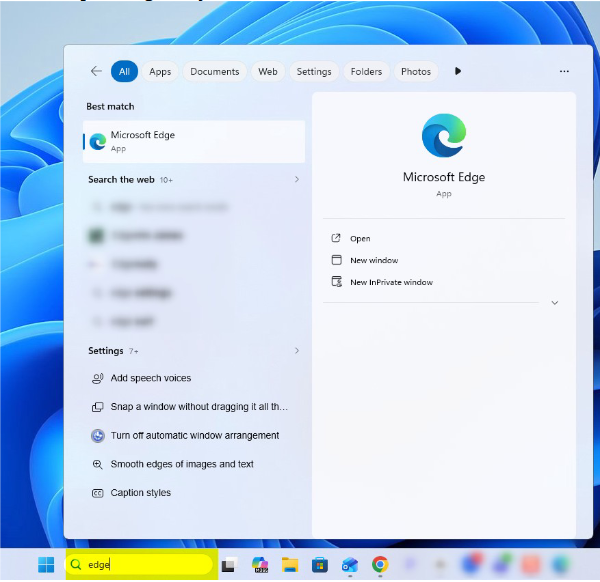
Please open Edge on your browser.
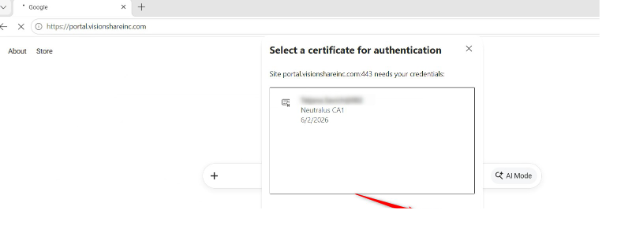
Navigate to this website: https://portal.visionshareinc.com/
You will be asked to use your certificate. Please press OK.
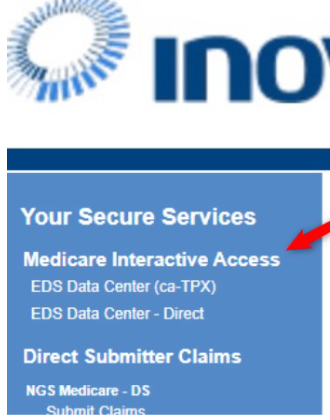
Then navigate to the left side and click on the 1st item listed under "Medicare Interactive Access".
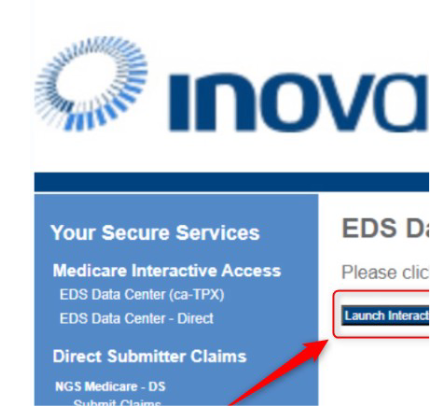
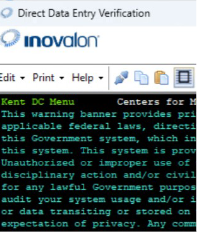
In the center of the screen please press on “Launch Interactive”. That will launch DDE.
NOTE: If you do not see the "Launch Interactive" button, please click on the 2nd entry under "Medicare Interactive Access" (previous step).
Was this article helpful?
That’s Great!
Thank you for your feedback
Sorry! We couldn't be helpful
Thank you for your feedback
Feedback sent
We appreciate your effort and will try to fix the article